How to Fix Lag Issues in Drive Zone Online
Lag can quickly turn an exciting Drive Zone Online race into a frustrating experience. Sudden frame drops, delayed controls, or freezing moments make it difficult to enjoy smooth and competitive gameplay. Since Drive Zone Online relies on real-time performance, even small issues can feel very noticeable.
The good news is that most lag problems are caused by common and fixable issues. By understanding what triggers lag and applying the right solutions, you can significantly improve your racing experience.
What Causes Lag in Drive Zone Online?
Lag usually happens due to a mix of network, device, and system-level issues rather than a single problem.
1. Slow or Unstable Internet Connection
Drive Zone Online constantly exchanges data with its servers during races. So, when the net connection slows down, it will take time to send and receive the information. So, the best internet connection is required for real-time response.
2. Outdated Game or Device Software
Running an older version of the game or your device’s operating system can create compatibility problems. These issues often result in poor performance, longer loading times, or sudden lag.
3. Limited Device Performance
The game uses detailed graphics and physics effects that require sufficient RAM and processing power. Devices with low hardware specifications may struggle, especially at higher graphics settings.
4. Background Applications
Apps running in the background consume system resources. When too many apps are open, your device cannot dedicate enough power to the game, which leads to lag and reduced FPS.
5. Server-Side Issues
During peak hours or after updates, Drive Zone Online servers may experience heavy traffic. In such cases, lag can occur even if your device and internet are working properly.
How to Identify the Source of Lag
Before applying fixes, it helps to understand where the problem is coming from.
Check Internet Stability
If lag mostly appears in online races, your network connection is likely the issue. Unstable Wi-Fi or mobile data often causes delayed responses.
Monitor FPS and Game Smoothness
Low FPS usually means your device is struggling with graphics rendering. Choppy visuals and delayed controls are common signs of performance limitations.
Compare Device Requirements
Check whether your device meets the minimum requirements for Drive Zone Online. Insufficient RAM, storage, or an older processor can affect smooth gameplay.
How to Fix Lag Issues in Drive Zone Online
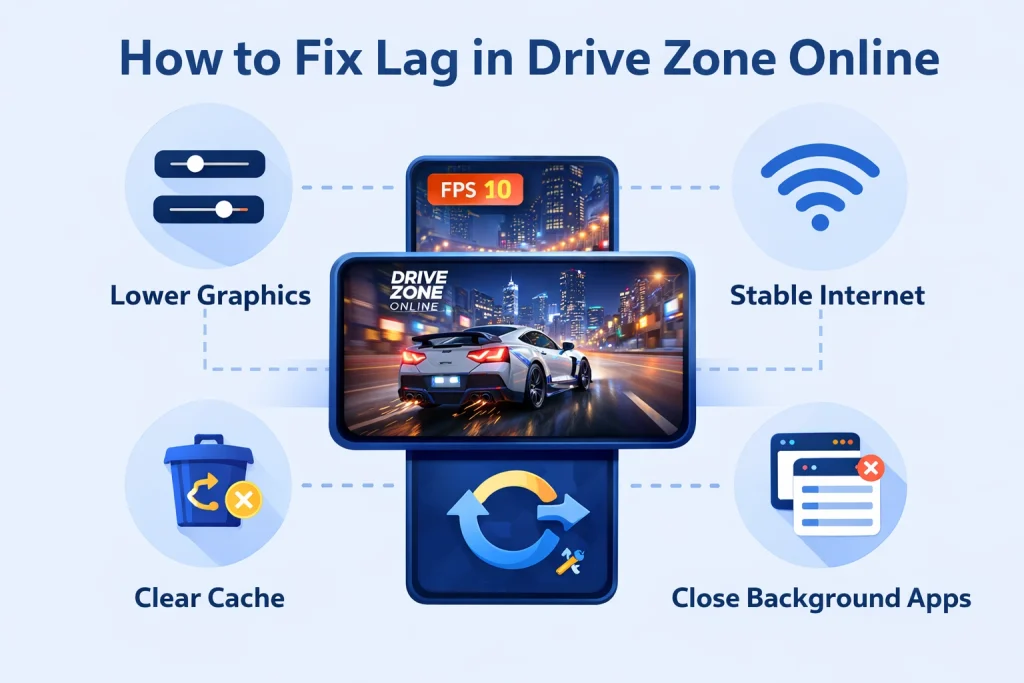
Step 1: Optimize In-Game Graphics Settings
Lowering graphics settings is one of the most effective ways to reduce lag. Reduce resolution, texture quality, and visual effects like shadows. Low-end devices should aim for around 30 FPS, while mid-range devices perform best on balanced settings instead of ultra graphics.
Step 2: Update the Game and System Software
Always keep Drive Zone Online and your device’s operating system updated. Updates often include performance improvements and bug fixes that reduce lag and improve stability.
Step 3: Close Background Apps
Before starting the game, close unnecessary apps running in the background. This frees up RAM and processing power, allowing the game to run more smoothly.
Step 4: Use a Stable Internet Connection
Play on a reliable Wi-Fi network whenever possible. Staying close to the router helps improve stability. PC users benefit most from a wired internet connection, which reduces latency.
Step 5: Lower Game Resolution
If lag continues, lowering the game’s resolution can improve FPS and reduce stuttering. Although visuals may be slightly reduced, gameplay becomes smoother and more responsive.
Step 6: Clear Cache and Free Storage
Cached files build up over time and can slow down performance. Clearing the game cache and ensuring enough free storage helps maintain smooth gameplay, especially on Android devices.
Step 7: Enable Performance Options on Android
Android users can improve performance through Developer Options. Enabling GPU rendering and reducing system animations can help the game run more efficiently.
Final Verdict
Lag issue in Drive Zone Online is frustrating but usually easy to fix. Most issues are related to internet stability, heavy graphics settings, or limited device resources. By optimizing settings, keeping software updated, and maintaining your device properly, you can enjoy smooth and responsive racing.
Identifying the root cause of lag and applying the right fix will help you get the best performance possible. With proper optimization, Drive Zone Online delivers the fast and immersive racing experience it is designed for.